
Affinity For Affinity Photo & Designer
Affinity Photo & Designer Automation

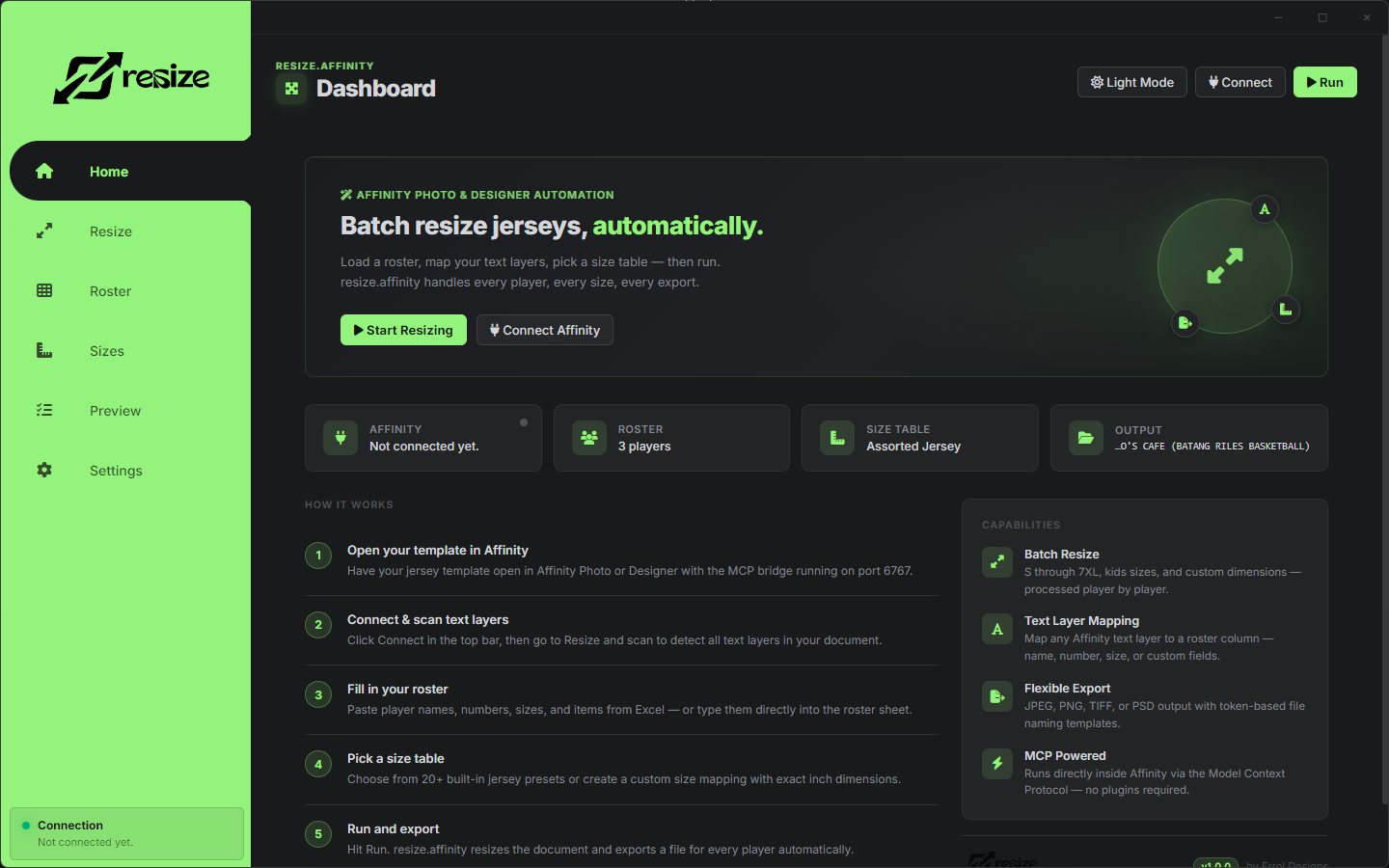
Batch resize jerseys, automatically.

Load a roster, map your text layers, pick a size table — then run. resize.affinity handles every player, every size, every export.

Windows 64-bit v1.0.0 Free — trial included No plugins needed MCP Powered
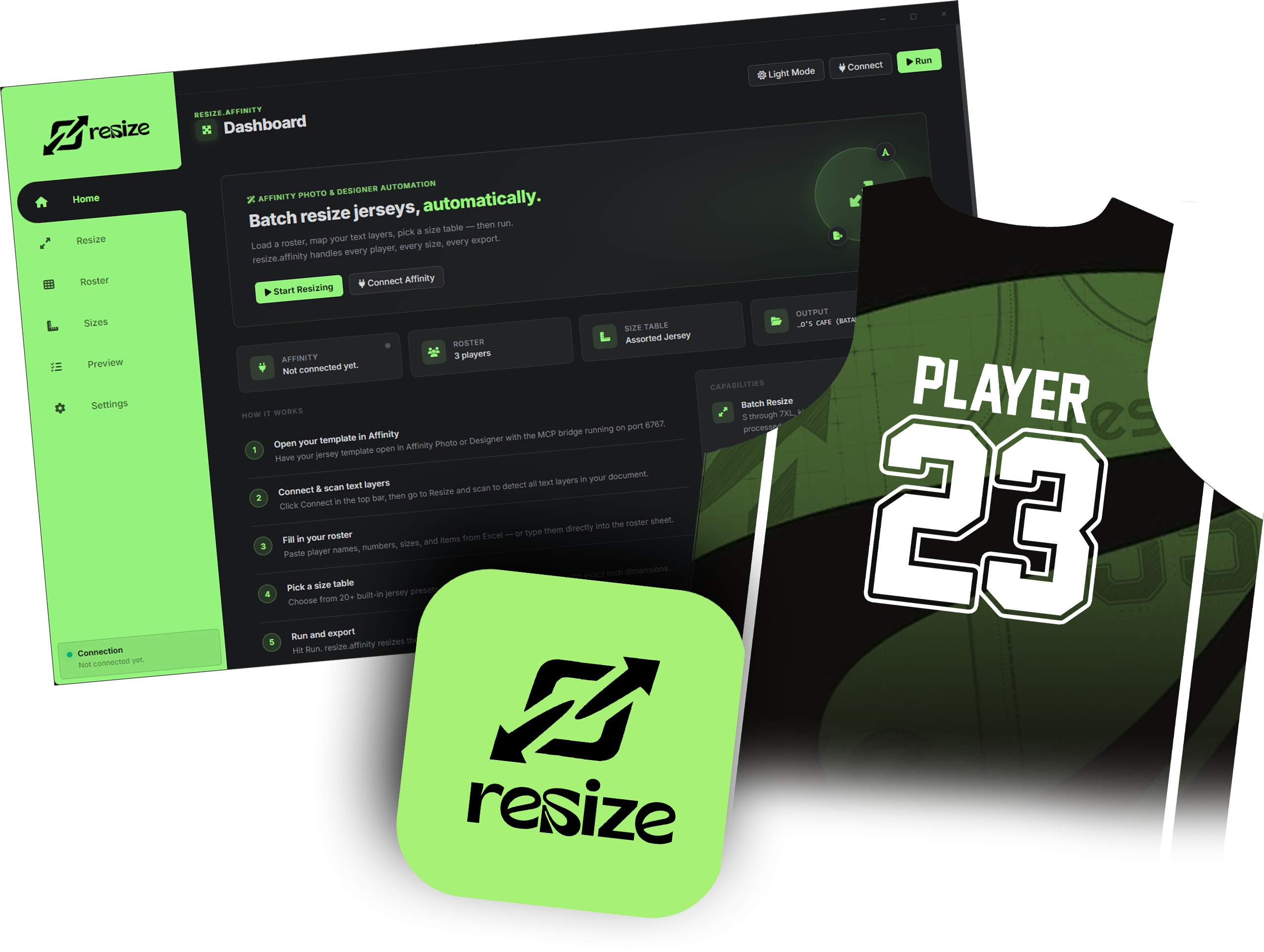
resize.affinity dashboard showing roster automation controls
Ready for batch export
resize.affinity dashboard interface
resize.affinity
resize.affinity
Home
Resize
Roster
Sizes
Preview
Settings
resize.affinity
Dashboard
Run
Affinity
Connected
Roster
12 players
Size Table
Assorted Jersey
Output
Desktop\Exports
1
Open your template in Affinity
Have your jersey template open with the MCP bridge running on port 6767.
2
Connect & scan text layers
Click Connect, scan to detect all text layers in your active document.
3
Fill roster, pick sizes, run
Paste players from Excel, choose a size table, and hit Run.
0
Built-in size presets
0
Export formats
Roster rows supported
0
Free to get started
Capabilities

Everything you need
for jersey batch work.

From roster import to final export — resize.affinity covers every step of your production workflow.

01
Batch Resize
S through 7XL, kids sizes YS–YXL, and custom dimensions. Every player processed automatically, one after another.
02
Text Layer Mapping
Map any Affinity text layer to a roster column — name, number, size, item, or any custom field you define.
03
Flexible Export
JPEG, PNG, TIFF, or PSD. Token-based file naming: {name}-{number}-{size}
04
MCP Powered
Runs directly inside Affinity Photo & Designer via the Model Context Protocol bridge. No external plugins required.
05
Excel Roster Import
Paste directly from Excel into the roster sheet. Add custom columns for extra text layers in your template.
06
Custom Size Mappings
Override any preset or create fully custom size tables with exact inch dimensions for width and height.
Workflow

From template
to export in
5 steps.

No scripting needed. If you can open Affinity and paste from Excel, you can use resize.affinity.

Download Free
01

Open your template in Affinity

Have your jersey template open in Affinity Photo or Designer with the MCP bridge running on port 6767. The app connects to the active document.

02

Connect & scan text layers

Click Connect in the top bar. Go to the Resize tab and scan to auto-detect all text layers in your document. No manual naming required.

03

Fill in your roster

Paste player names, numbers, sizes, and items from Excel — or type them directly. Add custom columns for extra text layers in your template.

04

Pick a size table

Choose from 20+ built-in jersey presets or create a custom size mapping with exact inch dimensions for width and height.

05

Run and export

Hit Run. resize.affinity resizes the document and exports a file for every player — named and organized by player, number, and size.

Size Support

Every size,
built right in.

20+ preset tables for all common jersey sizes. Create custom mappings for any dimension.

YXSYouth
YSYouth
YMYouth
YLYouth
YXLYouth
SAdult
MAdult
LAdult
XLAdult
2XLAdult
3XLAdult
4XLAdult
5XLAdult
6XLAdult
7XLAdult
CustomAny size
Export Formats

Output exactly
what you need.

Print-ready, web-optimized, or fully editable — choose the right format.

JPEG
Best quality
JPEG
High quality
PNG
Lossless + transparency
TIFF
Print standard RGB 8-bit
PSD
Fully editable layers
Requirements

What you need.

Operating System Windows 10 / 11 (64-bit)
Affinity AppAffinity Photo or Designer v1/v2
MCP BridgeAffinity MCP on port 6767
Price Free — trial included on install
Versionv1.0.0 by Errol Designs
Free Download — v1.0.0

Start automating your jersey shop.

Download resize.affinity for free. Includes a free trial so you can run your first batch immediately — no payment required.

Download Free — Windows 64-bit
Free to use Trial included Windows 64-bit v1.0.0 By Errol Designs